Using QR Codes the Right Way: 2026 Best Practices for Print, Packaging and Events
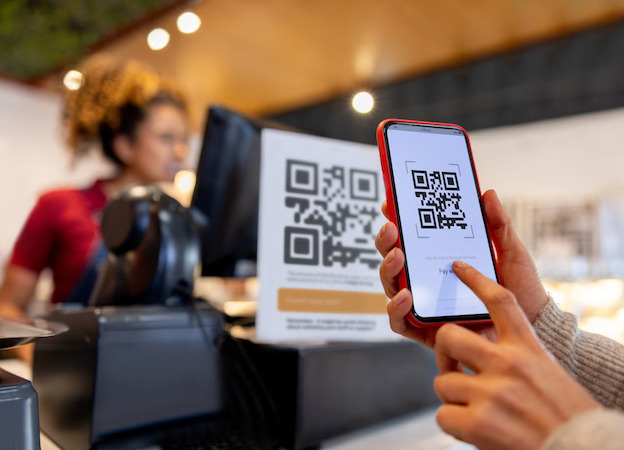
QR codes are everywhere now—on posters, packaging, receipts, menus and even business cards. But a QR code is only as good as the link behind it. If the URL is long, unstable or changed later, the code becomes useless. That’s where Tinyr short links make a huge difference.
Why Short Links Matter for QR Codes
A QR code simply encodes text—usually a URL. The longer the URL, the denser the QR code. Dense codes are harder to scan, more prone to distortion and more likely to fail when printed at small sizes.
Short links fix this by reducing the amount of encoded data, making the QR code:
- cleaner and simpler
- faster to scan
- less likely to fail at small sizes
- easier to read in low-light or motion
The Problem With Using Full URLs
Many businesses embed full URLs into QR codes, which leads to:
- slow or inconsistent scanning
- codes breaking when URLs change
- ugly, overly dense patterns
- trouble when printed on curved or textured surfaces
With Tinyr, the QR code stays simple no matter how long the real destination URL is.
How Tinyr Improves QR Reliability
When you generate a Tinyr link, you get a stable, compact URL. Even if you later need to change the destination, your printed QR codes remain valid. This is especially useful for:
- product packaging
- menus or table cards
- event signage
- flyers and posters
- equipment or installation labels
Instead of reprinting everything, you update the link once and the QR keeps working.
Best Practices for QR Codes in 2026
1. Keep the Visible URL Clean
Even though most people scan, some still type URLs manually. A short link like tinyr.co/start looks more trustworthy than a long tracking URL.
2. Use High Contrast
Black on white is ideal. Avoid low-contrast backgrounds or busy textures behind the code.
3. Size Matters
For reliable scanning:
- minimum size: 2.5 cm × 2.5 cm for close-up use
- larger sizes for posters or signage
- always test from real-world distances
4. Leave a Quiet Zone
A QR code needs empty space around it. Tinyr doesn’t change this requirement, but many brands forget it and hurt scan rates.
5. Avoid Embedding Raw URLs
If your destination changes, your QR code becomes obsolete. Short links prevent this by acting as a stable gateway.
Using Analytics With QR Codes
One of the most overlooked advantages of using Tinyr links inside QR codes is analytics. Tinyr gives you aggregated insights such as:
- total scans
- scan times
- device types
- countries
- referrers (e.g., camera app, browser)
This turns offline assets—posters, flyers, brochures—into measurable channels.
When to Use Separate QR Codes
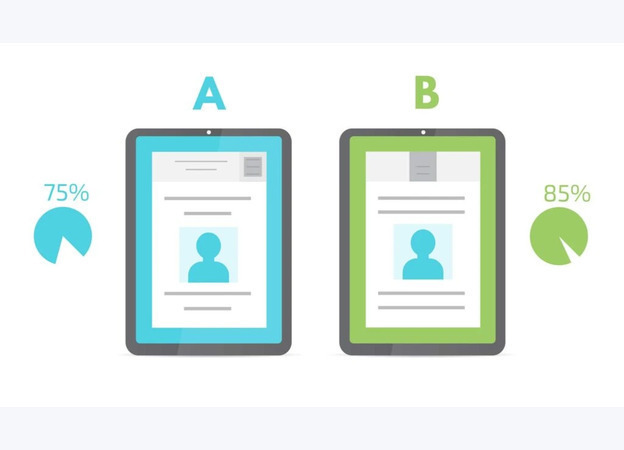
If you want to track performance by location or campaign, create multiple Tinyr links:
- tinyr.co/event-a for poster A
- tinyr.co/event-b for poster B
- tinyr.co/menu1 for one print run
Same destination, separate analytics.
QR Codes + Tinyr = Simpler, Smarter, Safer
QR codes are powerful when used correctly. Tinyr short links keep them scannable, flexible and measurable—without requiring any extra tools.
Whether you're running events, printing packaging or just adding a code to a business card, using a short link behind your QR ensures it stays clean, reliable and ready for whatever you need next.